
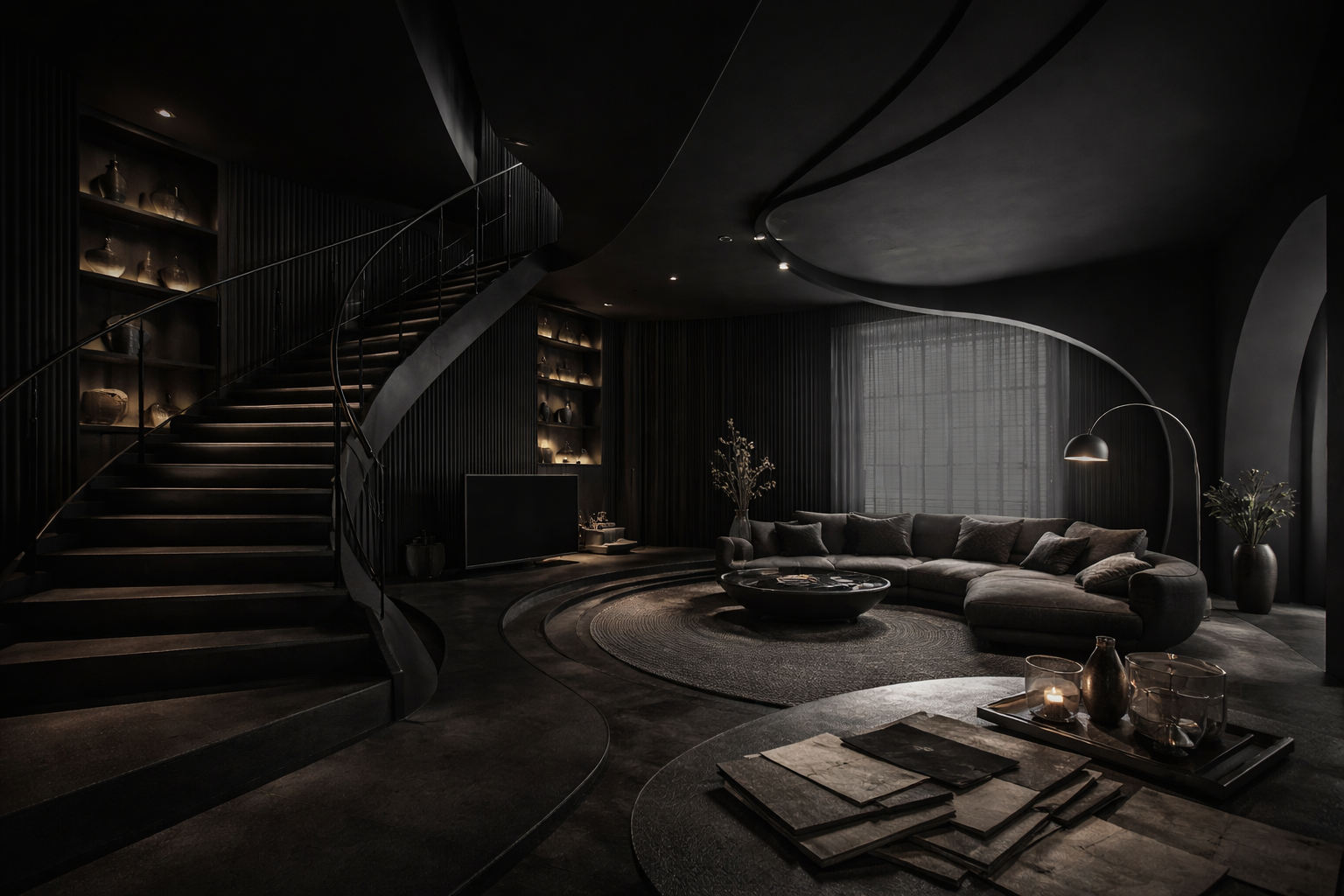
Understand your client’s taste — visually.
Planora helps interior designers discover exactly what clients love before design begins — using a simple swipe experience.
Create Your First ClientThe problem
Clients describe taste with words — but decide with visuals.
- Vague references → misalignment
- Too many revisions → lost time
- Slow approvals → delayed delivery
The Planova way
A swipe session → AI taste profile → instant direction.
Swipe
Analyze
Moodboards
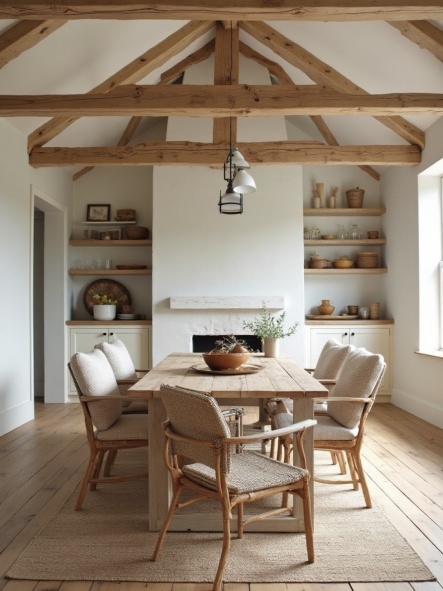
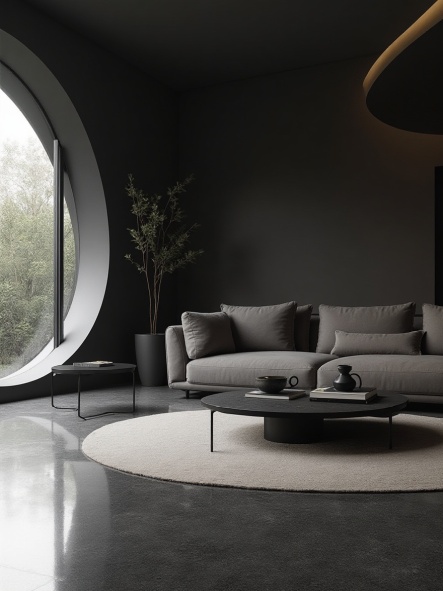
Design styles your clients already understand
Give clients a fast, visual way to express taste — before you design.
How it works
A visual walkthrough of the real Planova flow — from client creation to analysis and moodboards.
Step 1
Open your dashboard
Client Overview
All
8
Active
3
Completed
5
Search clients...
Doha
Residential • Created 13 days ago
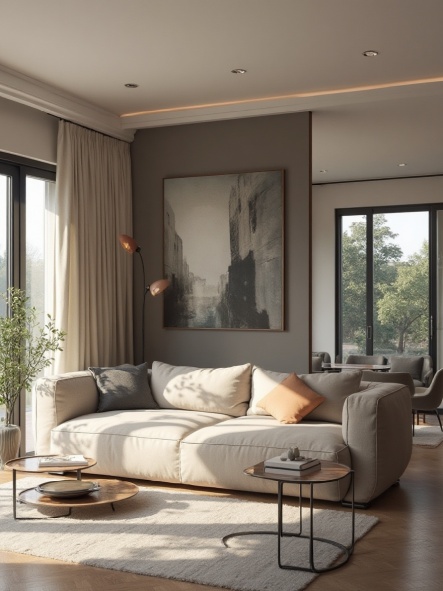
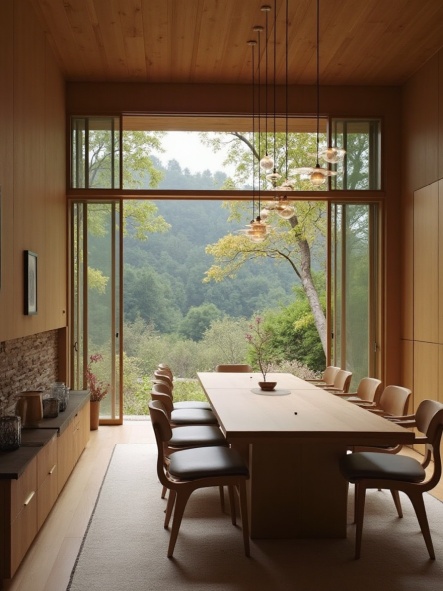
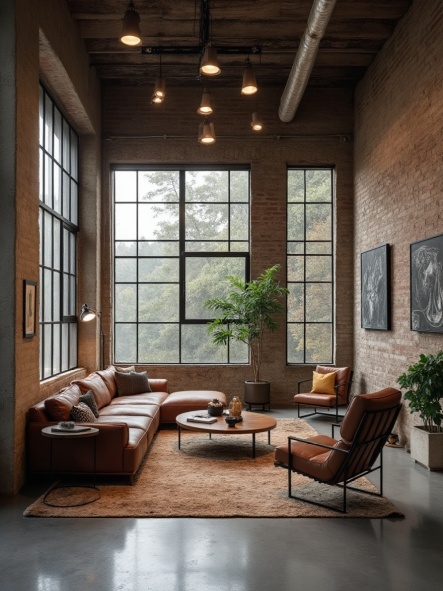
Start from a clean client overview and launch the workflow from one place.
Step 2
Create a client session
Create Client
Client name
Doha
Client email
doha@email.com
Project place
Alexandria
Project type
Swipe count
Styles
Add the client details, project type, swipe count, and preferred style direction.
Step 3
Let the client swipe
Swipe Session
Clients open a simple mobile screen and swipe what they love. No account, no friction.
Step 4
Get the AI analysis
Analysis Summary
Calm residential direction with warm woods, soft neutrals, organic shapes, and modern minimal structure.
Top Styles
Mood Keyword
Key Colors
Materials
Planova turns swipe behavior into a clear design direction with styles, mood, colors, and materials.
Step 5
Generate moodboards
Moodboards
Create polished moodboards from the analysis before layouts begin.
Built for interior designers
Reduce guesswork, align faster, and design with confidence.
Start aligned from day one.
Planova turns client taste into usable direction.
Outcome
Clients feel “understood” faster
Replace vague inspiration with visual clarity
Understand taste before layouts begin
Define direction early, reduce back-and-forth
Simple pricing that grows with your studio
Start free. Upgrade only when your business needs it.
Free
$0
Forever
1 client total
20 swipes per session
1 analysis total
1 moodboard total
Basic AI taste profile
Starter
$9.99
per month
10 clients
20 swipes per session
10 moodboards / month
Advanced AI taste analysis
Client insights dashboard
Professional
$19.99
per month
30 clients
Choose swipes (20–60)
Choose session styles (min 2)
60 moodboards / month
Professional AI taste analysis
Priority generation quality
Studio
$39.99
per month
60 clients
Choose swipes (20–60)
Choose session styles (min 2)
120 moodboards / month
Highest generation quality
Team-ready workflow
Compare plansOpen
| Feature | Free | Starter | Professional | Studio |
|---|---|---|---|---|
| Clients | 1 | 10 | 30 | 60 |
| Swipes/session | 20 | 20 | 20–60 | 20–60 |
| Style filters | — | — | ✓ | ✓ |
| AI analysis level | Basic | Advanced | Pro | Highest |
| Moodboards / month | 1 total | 10 | 60 | 120 |
| Priority generation | — | — | ✓ | ✓ |
FAQ
Everything you need to know before you start.
Do clients need an account?
No. They open a simple link and swipe. That’s it.
How does the AI help designers?
It converts swipe behavior into a usable style profile: dominant style, top styles, palette, materials, and a clear brief.
Can I generate moodboards for the client?
Yes — generate moodboards instantly and align faster before you begin layouts.
Is Planova built for studios?
Yes. Plans scale with clients and moodboard usage as your studio grows.
Start your next project aligned.
Turn client taste into direction in minutes — then design with confidence.
Built for interior designers • Fast pre-design alignment • Premium client experience